
I received this Bright My Bricks lighting kit to review for BrickCentral, designed for the LEGO Ideas 21341 Disney Hocus Pocus: The Sanderson Sisters’ Cottage.
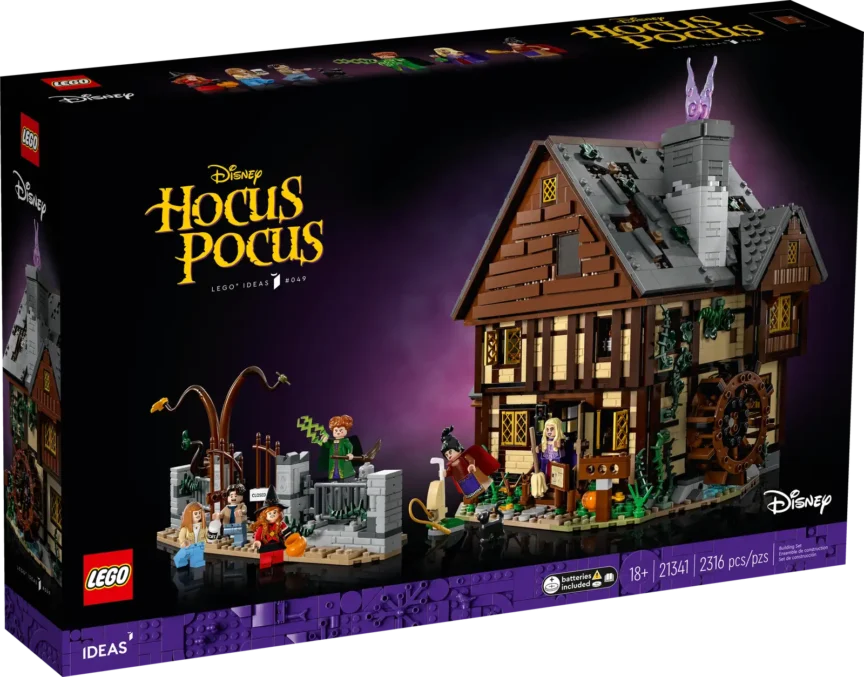
I’ve owned this set for a few years and have always considered it perfect for Halloween-themed photography: moody atmosphere, great details, and strong storytelling potential.
Adding lighting felt like the perfect finishing touch, so let’s see if it truly is.
Unboxing and First Impressions
The kit comes in a compact cardboard box that includes everything you need, tweezers included (the only thing missing is the battery for the remote control).

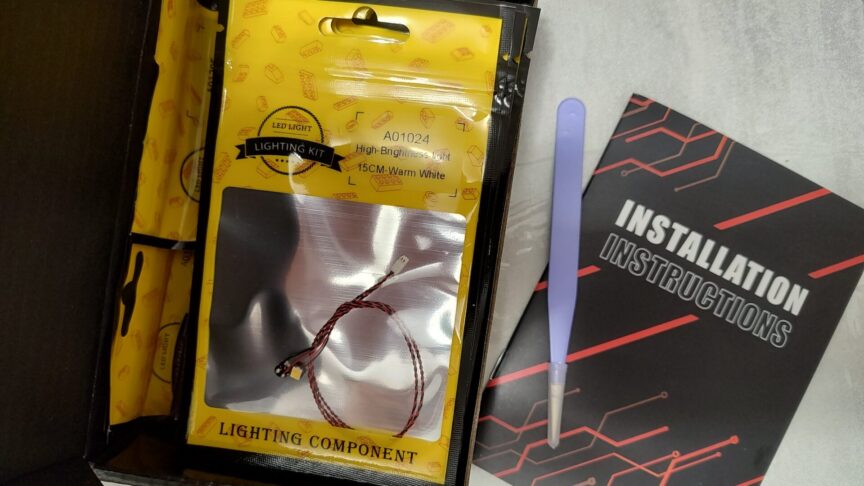
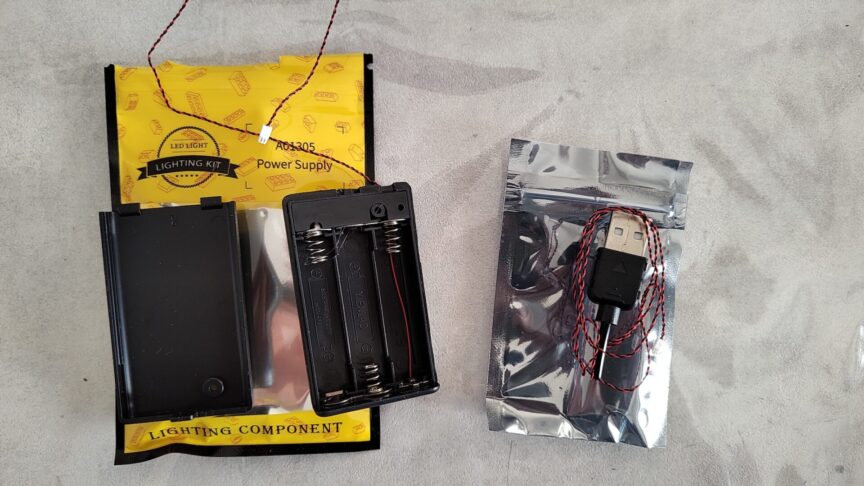
The instructions aren’t printed, but they’re easy to access online. If you prefer paper manuals, printing them yourself is the only option.
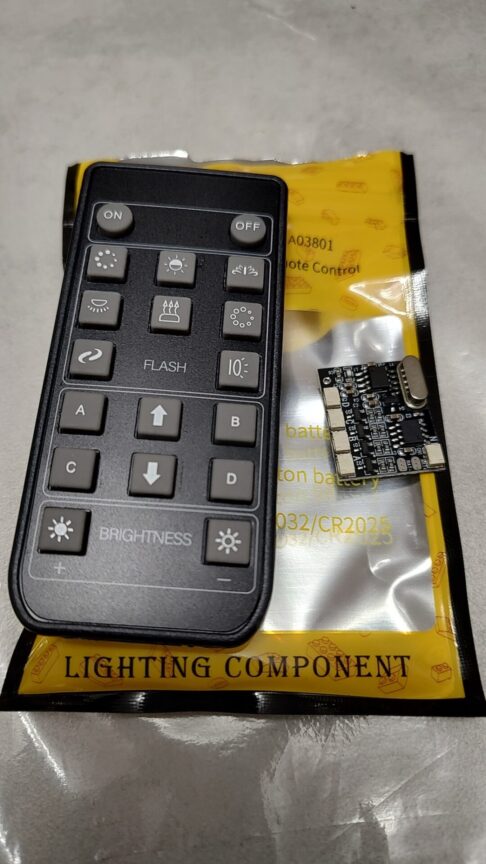
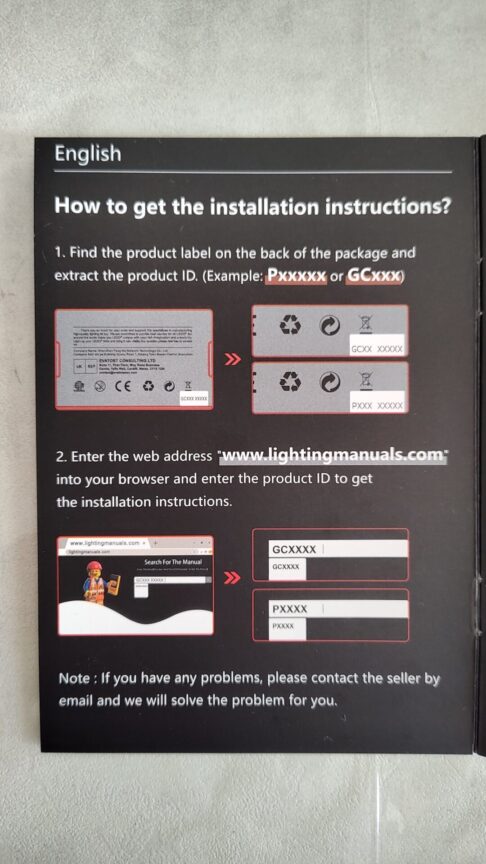
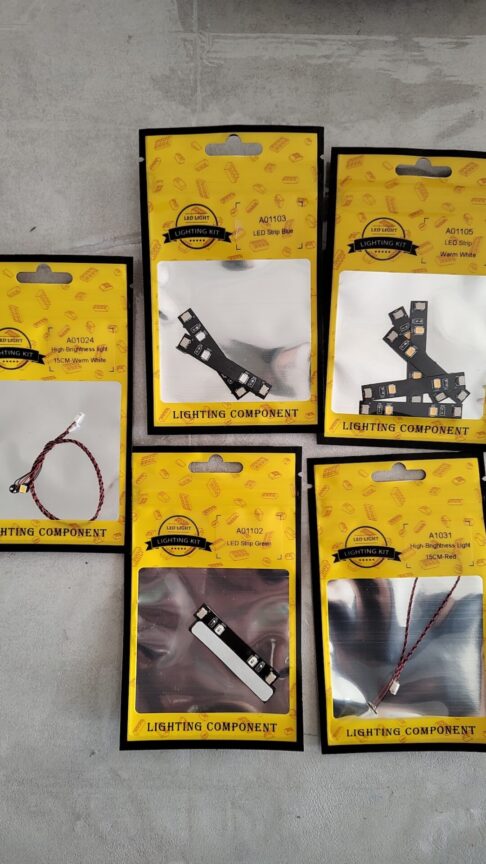
After a quick light test following the guide, I started the installation process.
Installation: How Invasive Is It?
I installed the kit on a fully built set, which is a great way to test how disruptive a lighting kit can be.
The answer? Not very:
- The LED strips are adhesive and easy to apply.
- The cables are long enough to route around bricks and beams (sometimes even too long).
- You only need to partially disassemble the model in a few spots, and never extensively.
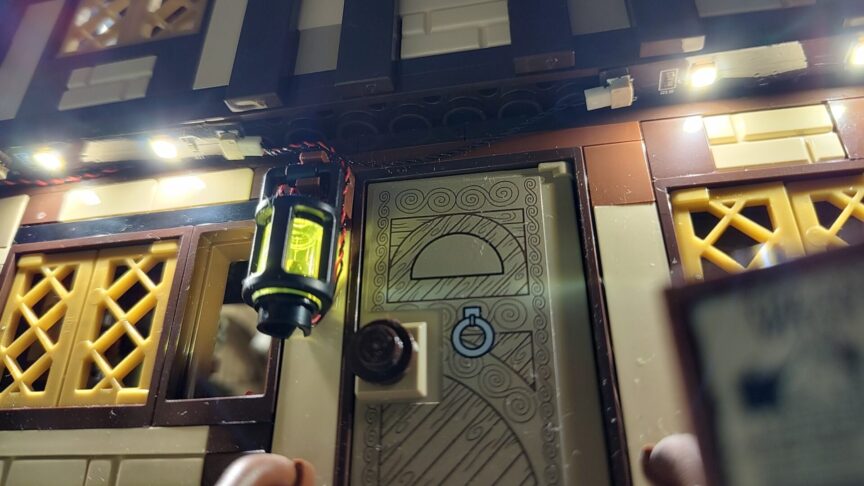
If there’s one improvement I’d suggest, it’s the instructions: a bit of accompanying text beside the images would have saved me some time on certain steps.
Final Effect: A Model Brought to Life
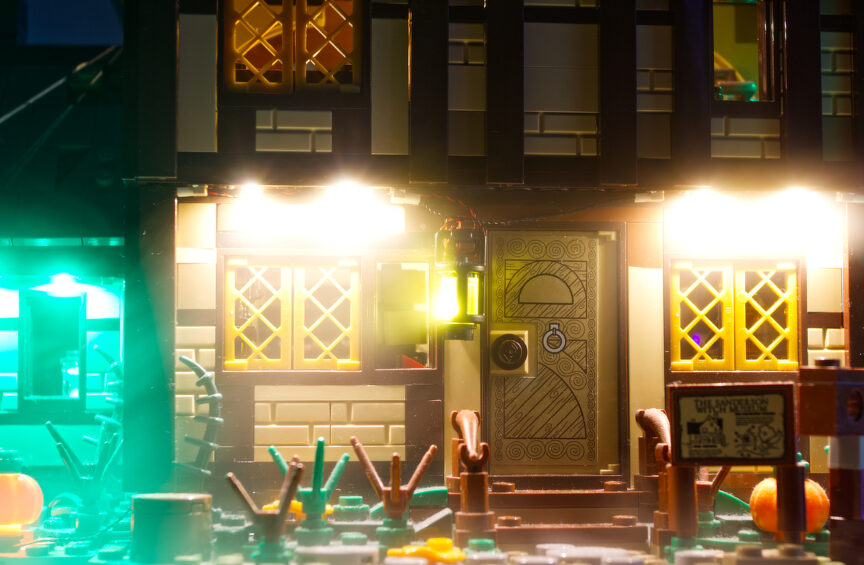
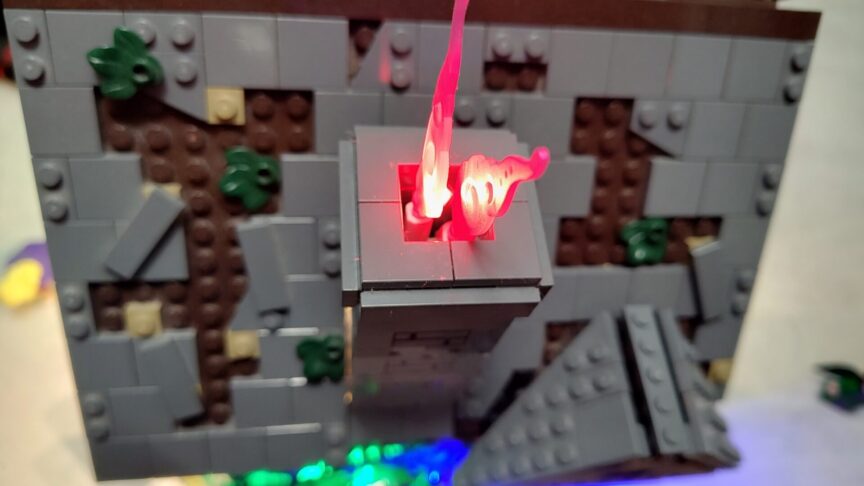
Once installed, the set completely transforms. The lighting adds depth, atmosphere, and turns the cottage into a perfect display piece.
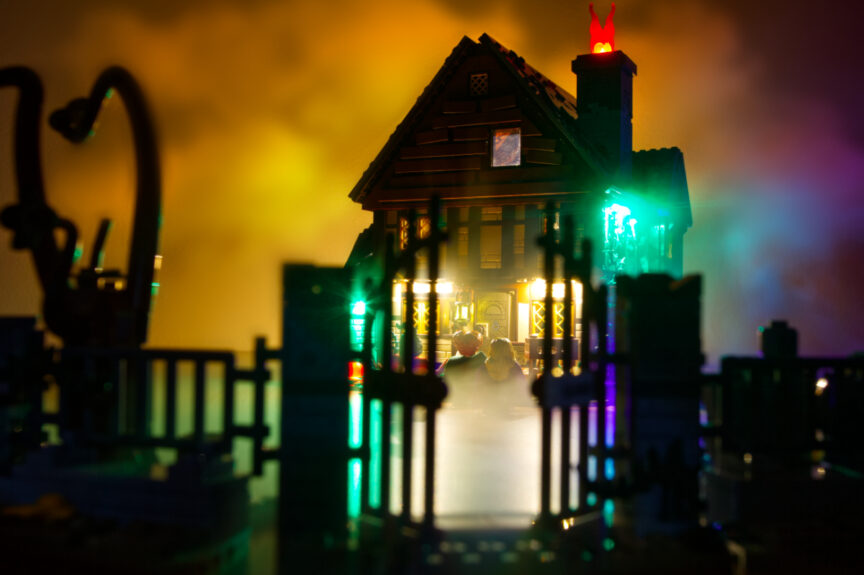
The pre-programmed lighting effects are fun, although I found them more suited to display use than photography.
And that brings me to the part that matters most to me: how does this kit perform in a photography setup?
Photography Use: Nice Lighting, Limited Control
Strengths
The kit is dimmable, which is essential for photography. Being able to adjust brightness based on camera exposure allows for creative effects and mood control.
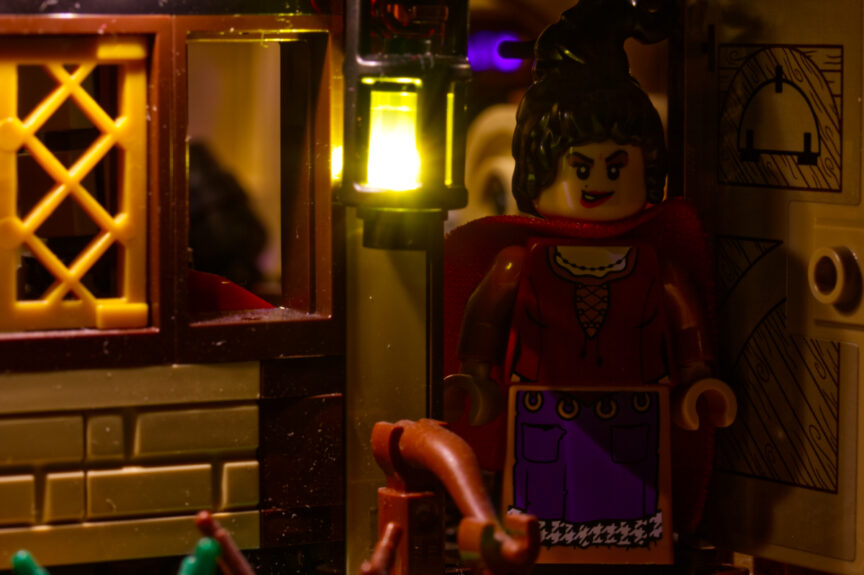
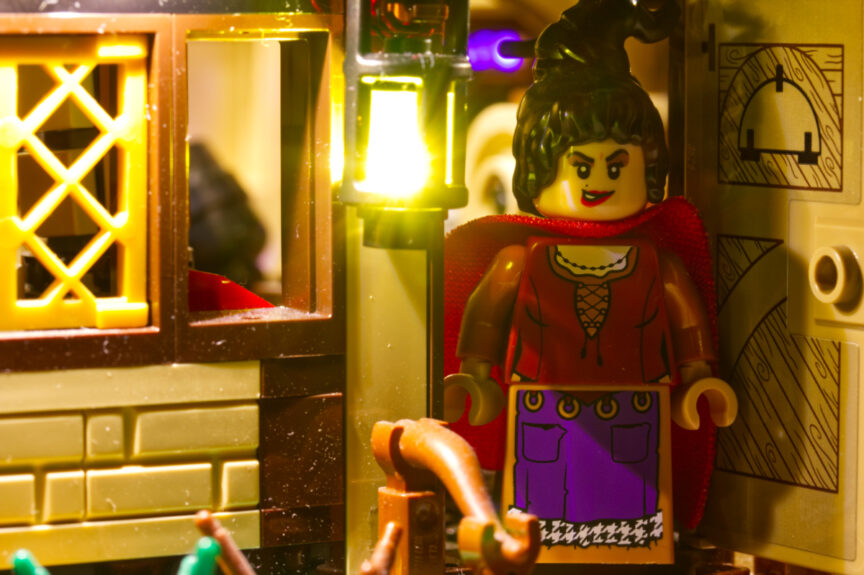
The internal lighting is particularly beautiful and creates some magical scenes.
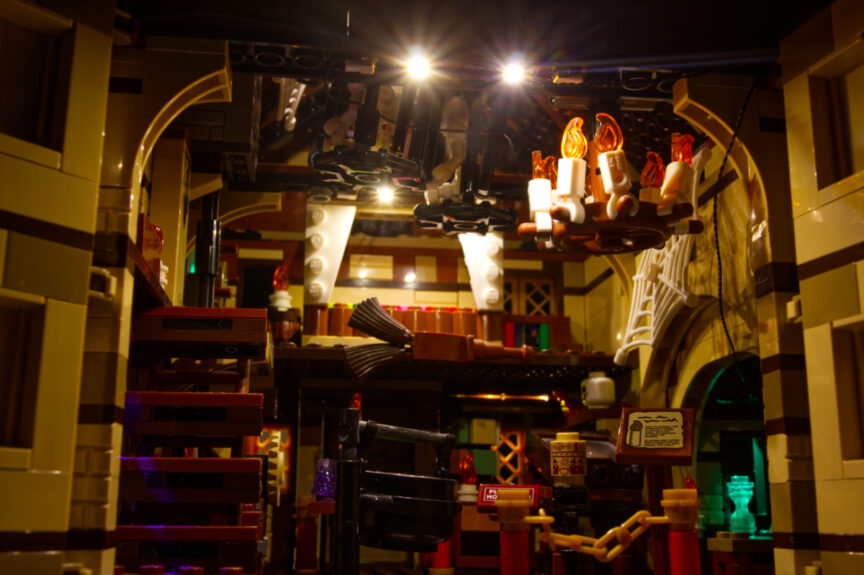

Limitations
The biggest issue for photography is the lack of control over individual LEDs:
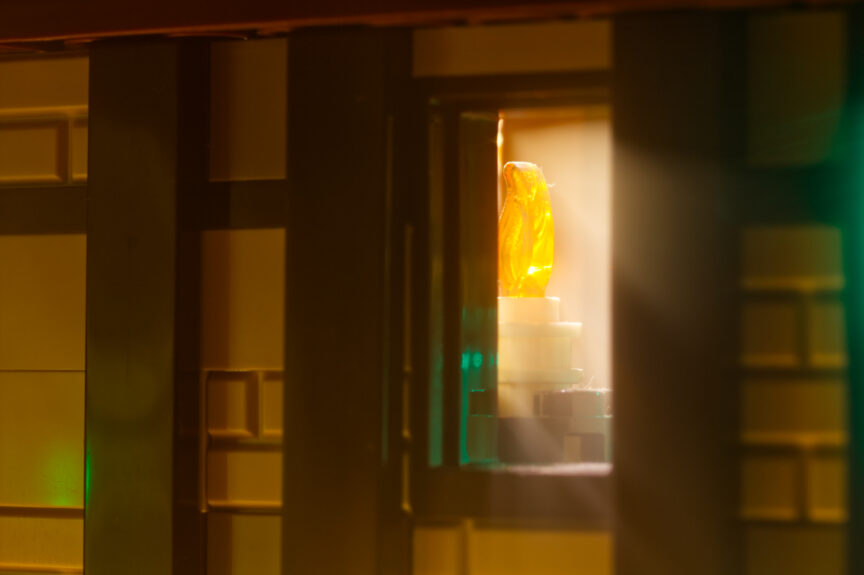
- You can’t switch off specific lights, only groups of them.
- Some LEDs feel out of place for the dark, moody aesthetic of this set:
- the green light on the side window
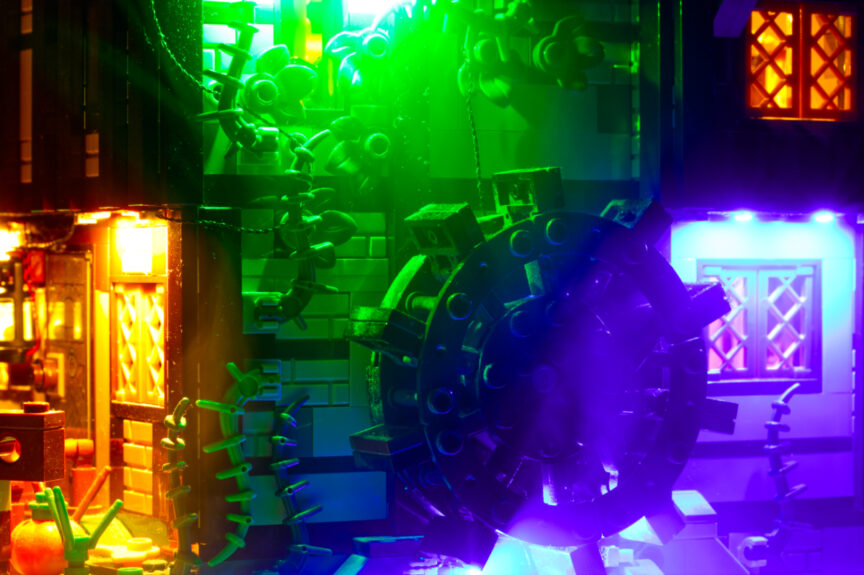
- the blue light under the mill wheel
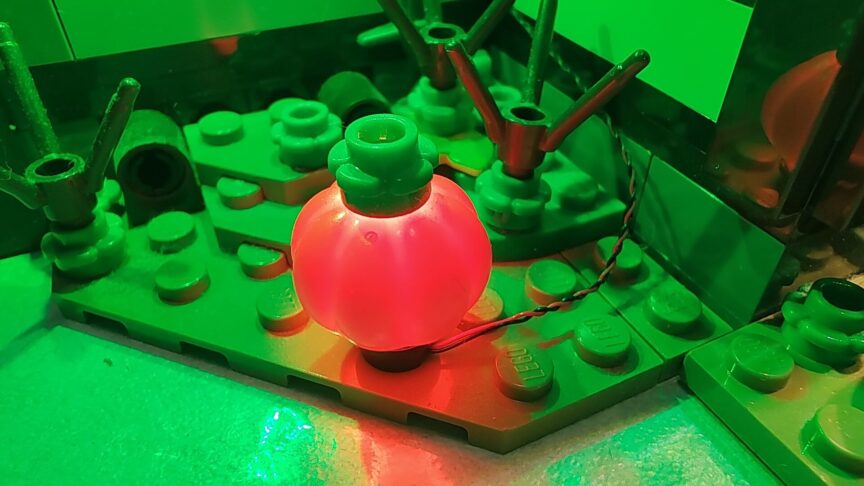
- the light under the pumpkin, whose purpose is questionable (I managed to use it only by framing it as a magical action from one of the witches).
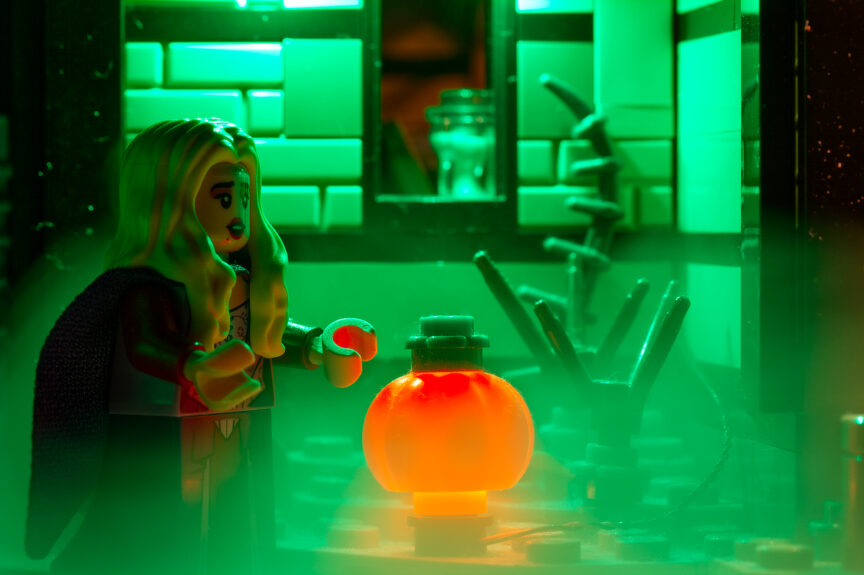
For example, I wanted to photograph the entrance lit only by the lantern, but that’s impossible: the lantern shares its circuit with two additional LED strips, so they turn on and off together.
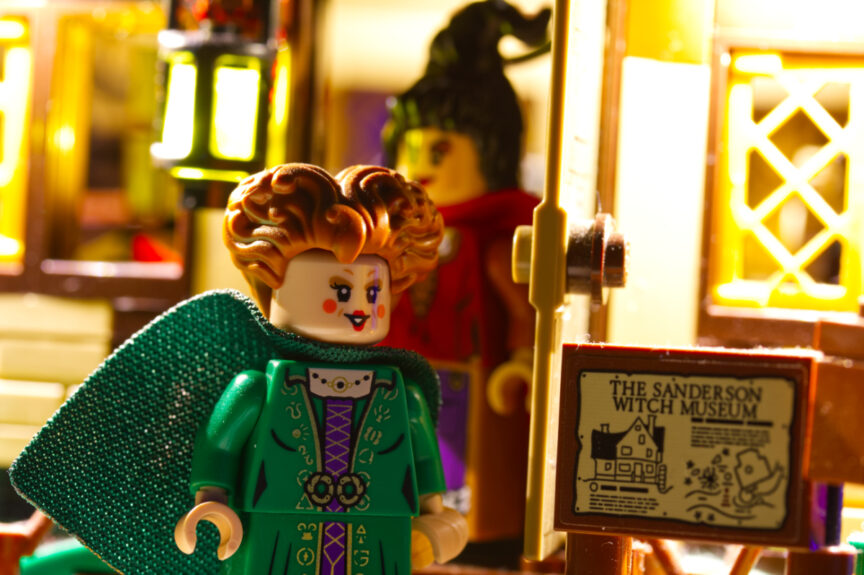
The only genuinely useful option for photography is the ability to switch off all interior or all exterior lights, which at least allows you to control the direction of illumination.
Cable Management
Cable management is generally straightforward, but not perfect:
- Outside, I would have preferred the cables above the mill wheel to be completely hidden (tough task).
- Inside, things get messy: the wires tend to wander, and pushing them out of the frame isn’t always easy.
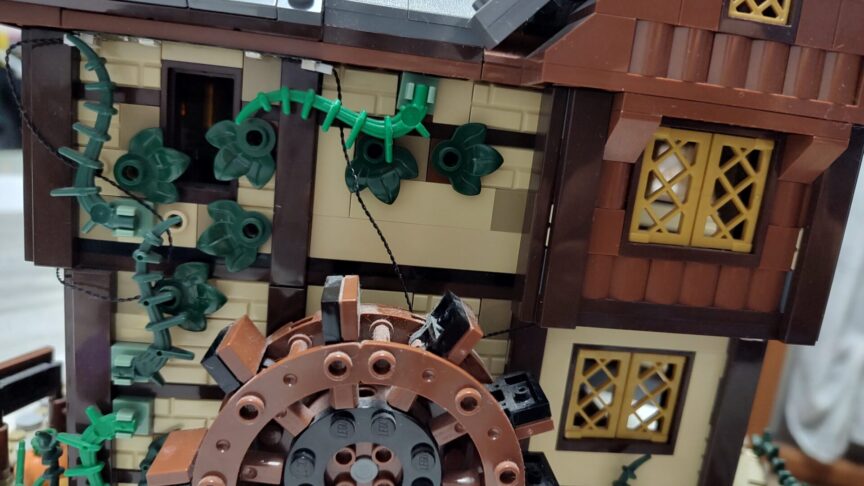
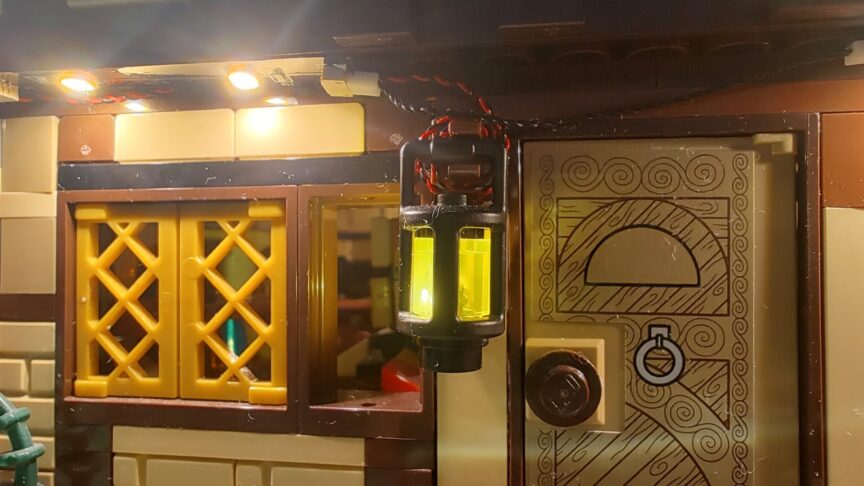
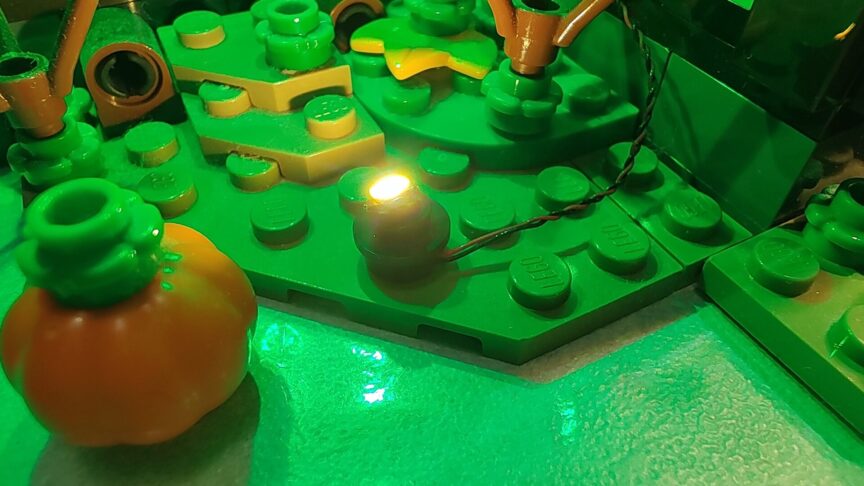
It’s also worth noting that the LED strips are adhesive, so removing or reconfiguring the kit later isn’t always simple.
Final Thoughts
The Bright My Bricks kit is aesthetically very pleasing and works wonderfully if your goal is to enhance the set as a display piece. The brightness, color, and overall atmosphere are excellent.
For photography, however, it comes with some limitations:
- too much light for a dark-themed set
- no individual LED control
- a few questionable color choices
What I missed most was the ability to individually switch off specific lights, which is crucial for creating clean, coherent visual storytelling.
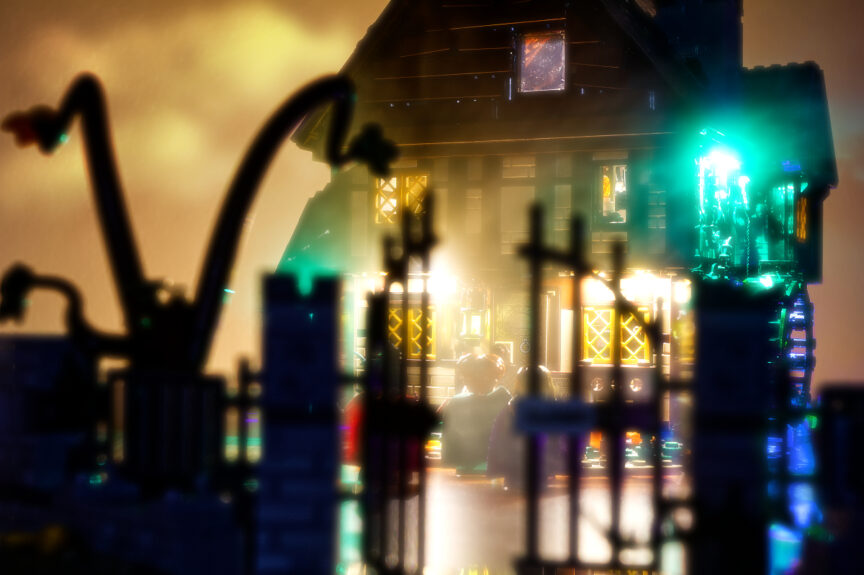
In summary:
- For display: recommended.
- For photography: usable, but with compromises.
If you want to test it yourself, there’s a 25% discount on their website using the code BRIGHTFRIDAY25